Premium feature · Now available
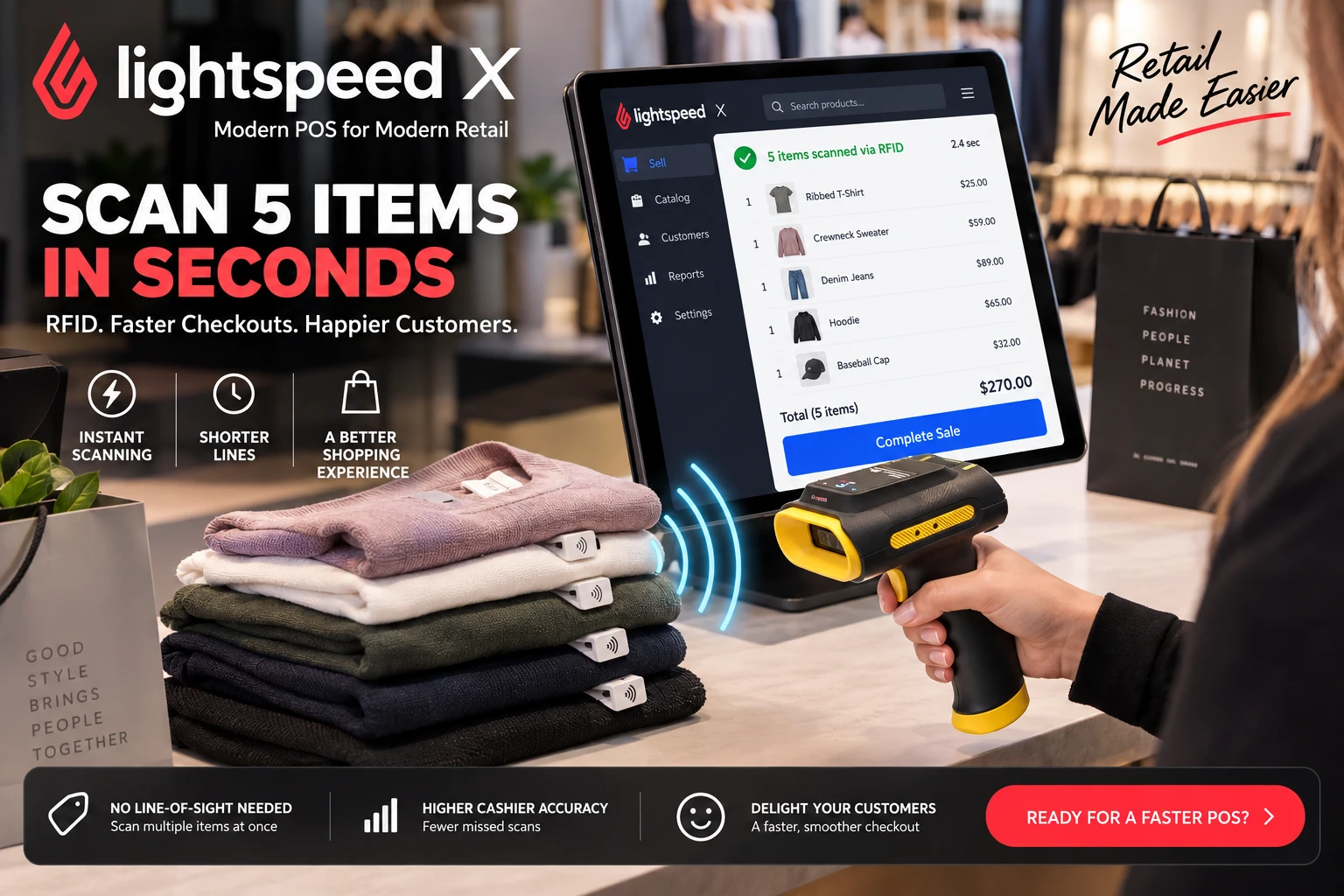
RFID checkout for the Lightspeed X iPad POS is here, available only with Senitron RFID.
Your cashiers can now ring up a whole stack of tagged items in seconds. Senitron RFID connects a Bluetooth RFID scanner to the Lightspeed X POS on the iPad, so a single pull of the trigger adds every tagged item to the sale at once. No line of sight, no hunting for barcodes, and no items missed.
Watch it in action
Four tagged items read into a Lightspeed X sale in one scan.
How it works
- Pair the scanner. The mobile RFID scanner connects to the iPad over Bluetooth.
- Tap RFID Scan. The new RFID Scan button in Lightspeed X starts blinking while it reads.
- Scan the items. Every tagged item appears in the sale instantly, whether it is one item or a full basket.
- Check the details. Tap any line to see its serial number and other item information.
- Take payment. Tap Pay and finish the checkout as usual.
Why retailers want it
- Faster checkouts: scan several items at once instead of one barcode at a time.
- Shorter lines: customers are through the till in seconds, even on your busiest days.
- Higher cashier accuracy: RFID reads every tagged item, so nothing is skipped or scanned twice.
- Item-level detail: the serial number of every unit sold is right there in the sale.
- One system, end to end: the same RFID tags power Senitron inventory counts, receiving, transfers and loss prevention.
Get RFID checkout for your Lightspeed X stores
RFID scanning at the Lightspeed X iPad POS is a premium feature available exclusively from Senitron RFID. See everything Senitron does with Lightspeed on our RFID for Lightspeed POS page, or contact us to add it to your stores.
Video transcript
Here’s a quick demonstration of the Lightspeed X POS working with a mobile RFID scanner, showing how it can wirelessly scan multiple RFID items using the Bluetooth device that’s paired to the iPad.
On the screen we have the RFID Scan button. We click it, it starts blinking, and that lets us scan the items. You can see that all four items I just scanned appear in the sale, and if I click on each one it gives me the details: the serial number and other additional information. Then you just click Pay and do the checkout process. Thank you.